
Short answer: For a date on a carton, set the line on the colour touch screen and glide the coder across the box. Read the screen and the print before you stack it.
On the carton
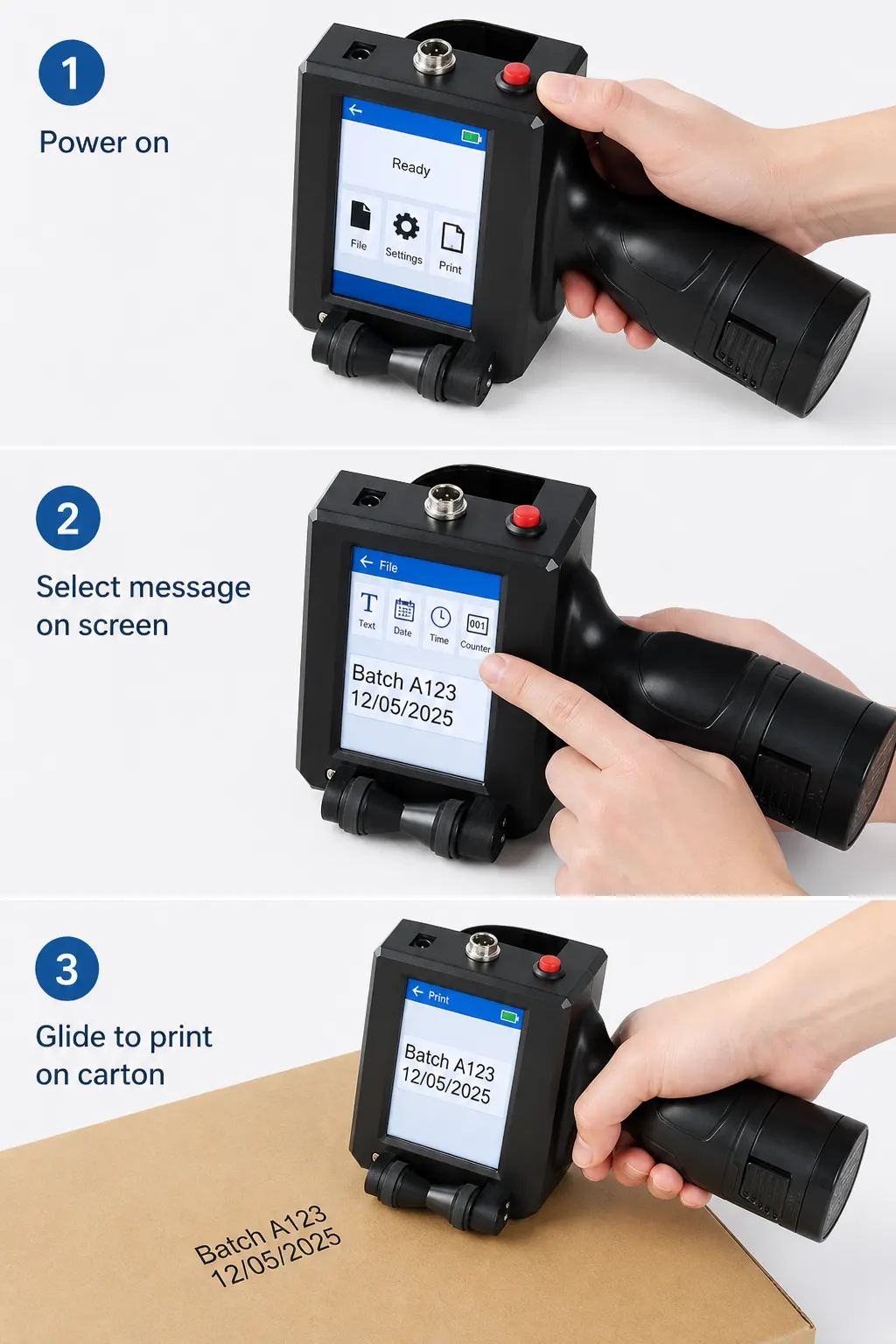
Lay the carton flat. Edit the date on the touch screen. Glide the coder across the panel, then check that the print matches the screen.
Keep the line short
A date or a short code is the message this coder is for. Edit it on the screen until it is the line you want on the box.
- On the touch screen, open a message or start a new one.
- Edit the date or code until it reads correctly.
- Glide the coder across the carton to print.
The coder
Set a date or a short code on the colour touch screen, then glide the coder across the carton. English is on the on-screen language list.
Read Handheld inkjet coder for the screen, the message and how to print.