01
How to
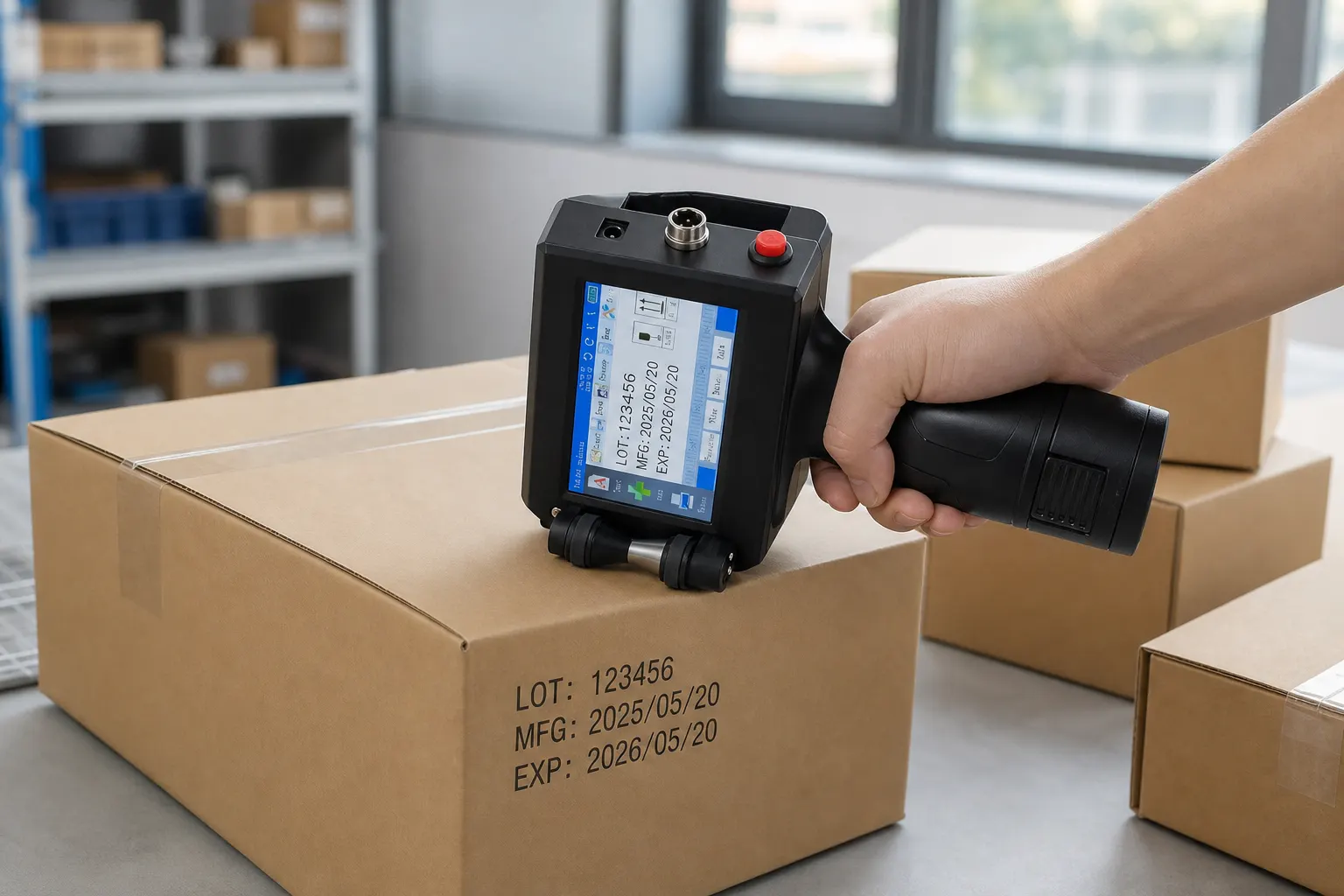
How to set a date on this handheld inkjet coder
Set a date or a short code on the colour touch screen before you print.
Read guide →Guides
How to
Set a date or a short code on the colour touch screen before you print.
Read guide →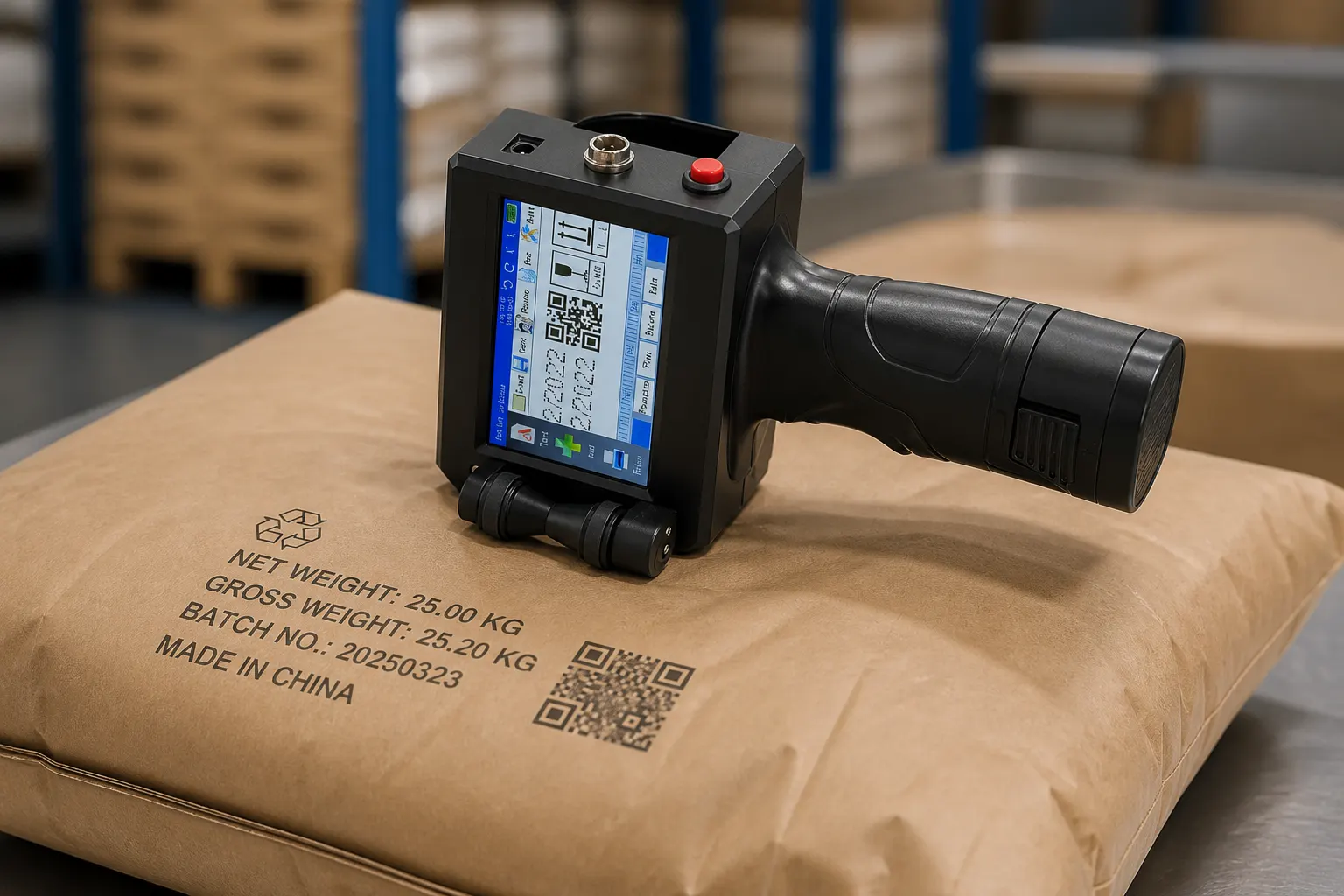
On the bench
On a packing bench, edit the date on the screen and glide the coder across the carton.
Read guide →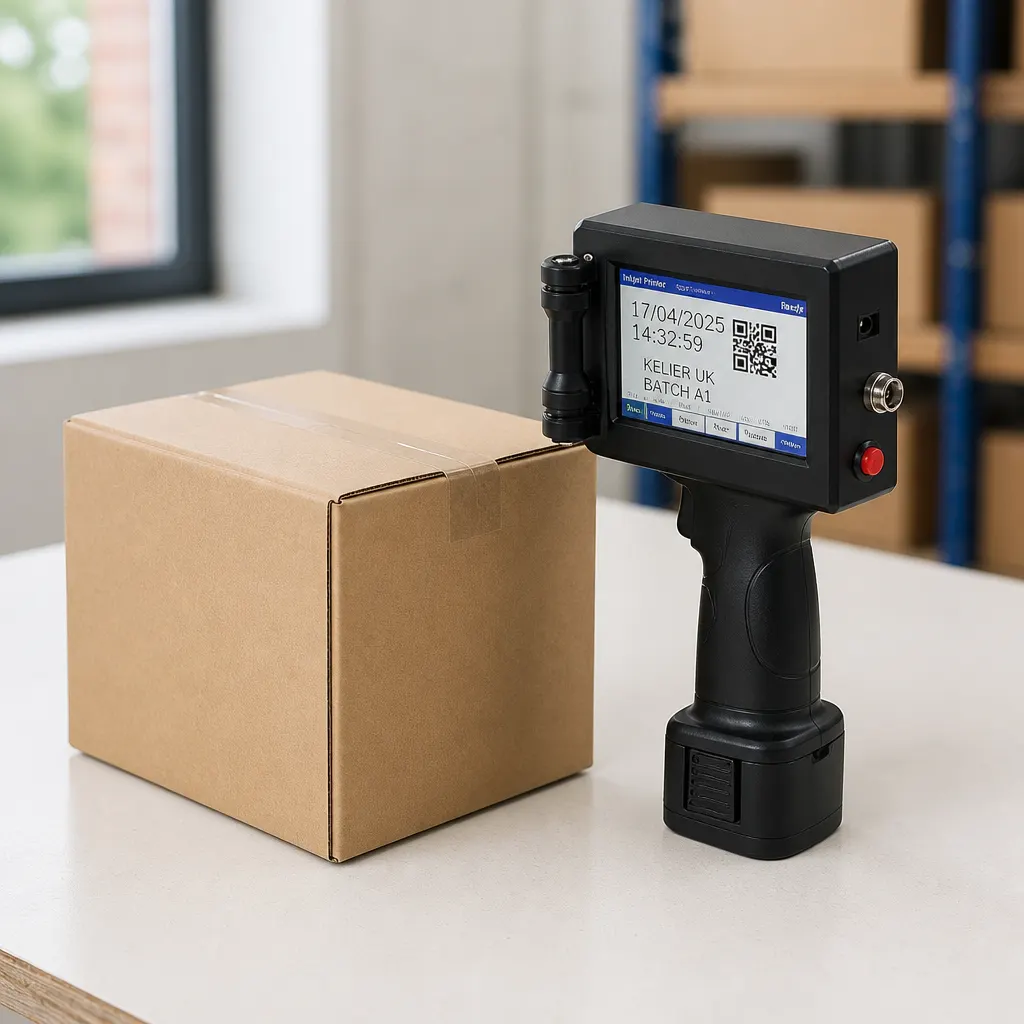
Before you buy
Check that your mark is a date or a short code, and that you can read it on the touch screen.
Read guide →
Buying guide
Print the date on the carton, and read it back on the touch screen before the box leaves the bench.
Read guide →
Use cases
Support the pack, set a short code on the screen, and glide the coder across it.
Read guide →Use cases
Set the date on the touch screen, then glide the coder across the carton.
Read guide →